
iPhone lost in Mallorca: Guide for quick, correct action
iPhone lost in Mallorca: Guide for quick, correct action
When an iPhone disappears on the Passeig or on the beach, every minute counts. Key question: How do you secure data, lock the device and report the loss correctly — even without technical know‑how?
iPhone lost in Mallorca: Guide for quick, correct action
Key question: What to do as soon as the iPhone disappears during your holiday?
A second of inattention on the Passeig del Born, a crowd at the Mercat de l'Olivar or a towel on the Platja de Palma — and the smartphone is gone. In such moments, quick, clear action decides whether your photos, banking data or access codes fall into the wrong hands. This guide shows what to do immediately, which preparations may be missing at home and which steps increase the chances of keeping trouble to a minimum. Practical behaviour advice is available in Stay Safe: How to Avoid Pickpocketing in Mallorca.
Critical analysis: Many people rely on their phone's automatic security without having checked the necessary settings. "Find My" must be enabled, the Apple ID needs a strong password and two‑factor authentication should be switched on. If these are missing, locating, locking and remote wiping the device becomes significantly more complicated or even impossible. The role of mobile providers and the police is also underestimated: without immediately notifying the carrier the SIM can continue to be misused, and without a theft report it is harder to get a block accepted by insurers later. A smartphone signal led to an arrest in Palma; see Phone Tracking Leads to Arrest in Palma – One Case, Many Questions.
What is often missing in public discussion: clear, easy-to-understand instructions directly at tourist locations. Hotels, car rental desks, bus stations or market stalls could briefly inform guests about simple protective measures. Equally missing is a practical multilingual guide on how to file a police report locally and which information is needed (proof of purchase, IMEI, serial number).
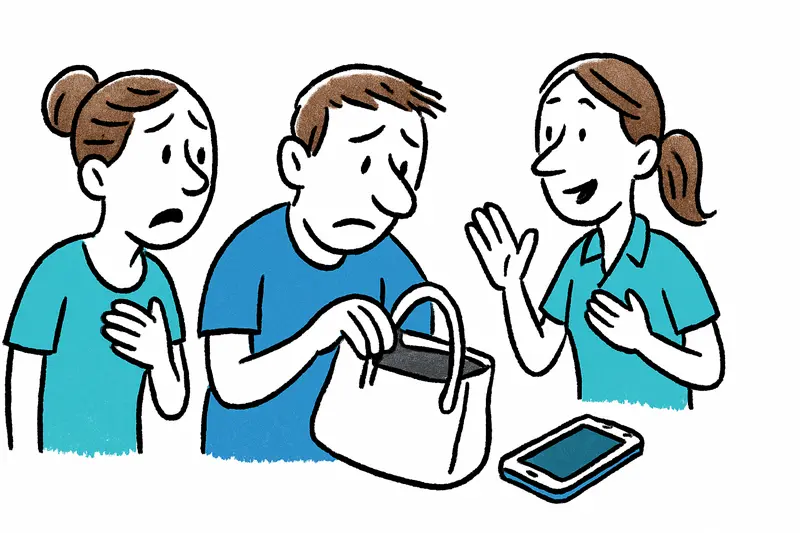
Everyday scene on Mallorca: Imagine it's early evening at Playa de Palma. The smell of fried fish mixes with the motor noise of delivery scooters. A German couple notices the iPhone missing from their handbag. They are nervous, speak quickly, search the beach again. Amid the voices of beachgoers a hotel employee calmly explains how to lock the device in a few minutes — exactly this kind of support is often lacking, but it immediately defuses the situation.
Concrete step‑by‑step solution (immediate):
1) Stay calm and sign in: Use another smartphone or a computer: apple.com or icloud.com/find. Sign in with your Apple ID.
2) Locate and lock the device: Select the missing iPhone from the device overview. Turn on "Mark as Lost" — this locks the device and displays a message with a contact phone number.
3) Remote erase only as a last resort: If you are sure the phone will not be returned, you can erase it remotely. Warning: removing the device from your account will disable the Activation Lock. Only follow this on professional advice.
4) Inform the police: File a report with the national or local police in Mallorca. Required information: your personal details, proof of purchase, IMEI/serial number, location and time of the incident. A police report is often a prerequisite for insurance claims.
5) Contact your mobile provider: Block the SIM and have the device blacklisted by IMEI. Providers can stop misuse and prevent the phone from being used with a new SIM.
6) Change access data: Change important passwords (Apple ID, email, online banking). Sign out of active sessions and, if necessary, lock payment apps.
7) Prepare for the future: Enable "Find My" in settings, use a secure screen lock (alphanumeric), enable two‑factor authentication, and note IMEI and serial number in a safe place. Consider carrying a simple checklist in your wallet when traveling.
Practical tips from real life: Protect the SIM with a PIN, make regular iCloud backups, and store receipts digitally. Ask for help at the hotel reception — staff often know the nearest police stations or can call your mobile provider.
Concise conclusion: A lost iPhone is not an automatic data loss, but panic doesn't help. Investing a few minutes — activate location, mark the device, inform police and provider — greatly reduces the risk. And taking simple precautions beforehand gives you much more control if something happens. On Mallorca, small on‑site aids often make the difference; a short note at the hotel or rental desk can prevent major damage.
Frequently asked questions
What should I do immediately if I realize my iPhone is lost while in Mallorca?
How does Find My help if my iPhone is lost during a Mallorca trip?
Why is it important to file a police report and contact my mobile provider after a lost iPhone in Mallorca?
When should I erase a lost iPhone remotely?
What information should I have ready for a police report in Mallorca?
How can I prepare before traveling to Mallorca to protect my iPhone?
What should I do if my iPhone goes missing in a busy Mallorca location like a market or the beach?
What ongoing practices help reduce risk after a loss and speed recovery on Mallorca?
Similar News
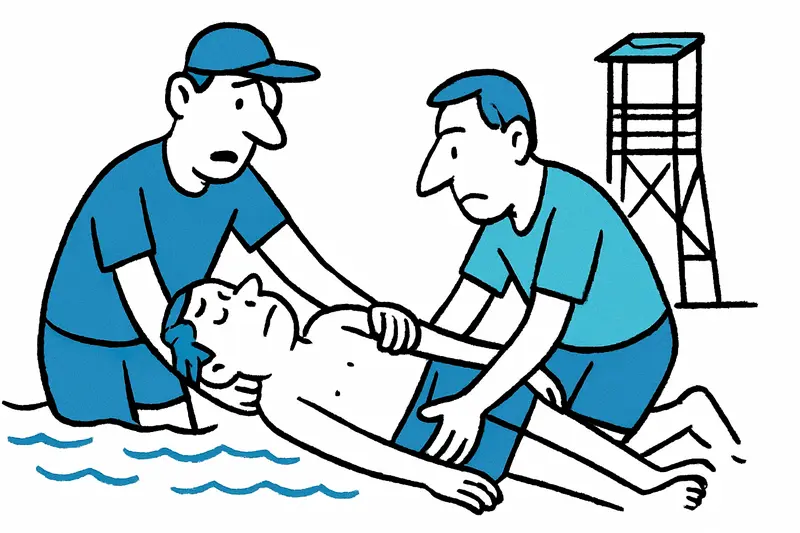
Magaluf: Watchtower Alarm – Lifeguards Pull Unconscious Beachgoer from the Water
After a drama in the late afternoon, two lifeguards at Magaluf beach rescued an unconscious 44-year-old man. He was stab...
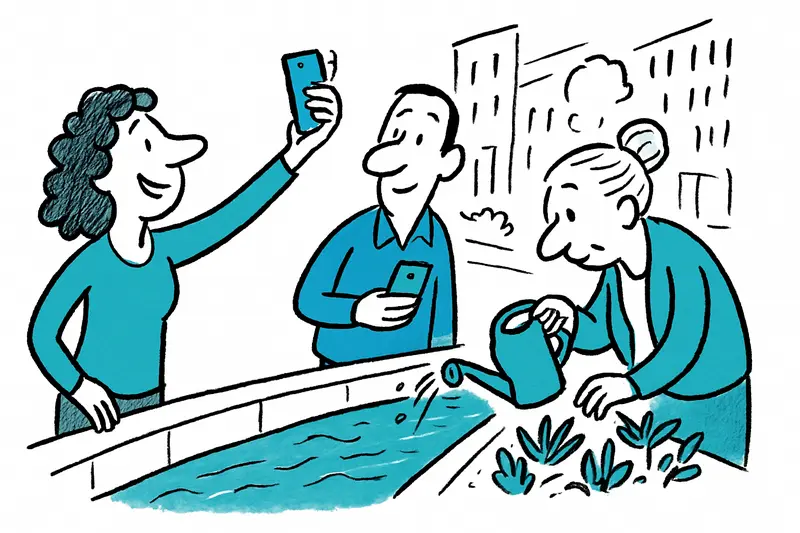
Turquoise in the City: How dangerous is the color play of the Sa Riera?
The Sa Riera in Palma suddenly turned turquoise — a pretty motif, but behind the effect lies a discharge of saline waste...

Jeckliner at Sunnesching: Cologne spirit sets sail from Palma
In September 2027 the Mein Schiff 2 briefly becomes a floating carnival stage: four days with Cologne bands, comedy and ...
Finally Home: Mike and Leyla Heiter Buy Villa with Sea View in Mallorca
The reality TV couple Mike and Leyla Heiter have bought a house in Mallorca with a roof terrace and sea view. An Instagr...
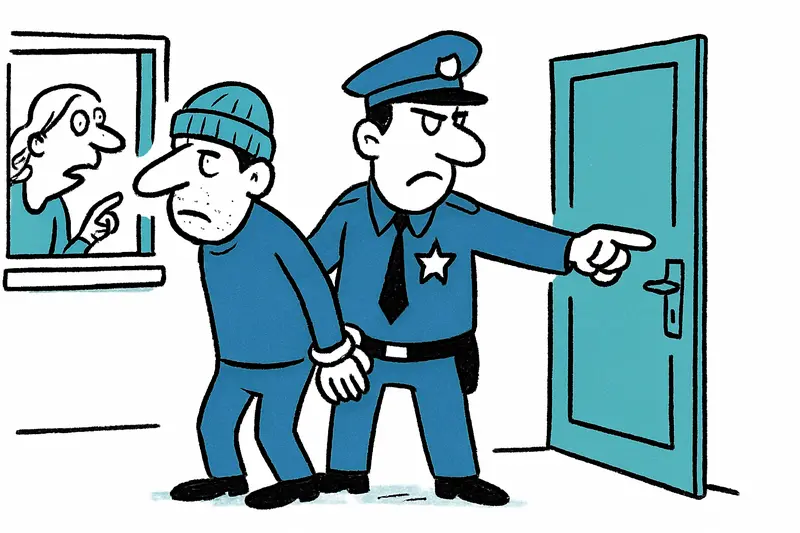
Arrest after series in Palma: Who protects apartments from repeat offenders?
The National Police arrested a man in Palma who investigators say may have broken into several apartments. In one incide...
More to explore
Discover more interesting content

Can Cap de Bou

Townhouse Lleo 72
